
AI666’s listing combines games with account, wallet and offer features. This guide for Android users in India examines those details, the package source and an older specification table. It explains the advertised features without presenting them as independent test results.

Understanding the AI666 Package and Its Feature List
1. What the Android File Is For
An AI666 installation package adds the described gaming platform to an Android phone. Alongside games and daily objectives, account screens show recorded progress and credits. Frequent updates and easy navigation are advertised, without evidence establishing the app’s popularity.
Before installing a separate APK, confirm the provider and review Android’s requested permissions.
2. Looking Closely at the Advertised Features
The description of the AI666 platform covers performance, games, offers, menus, security and support. No comparison establishes an advantage over other apps.
Loading Times and Device Performance
AI666 advertises quick loading and smooth transitions, including on lower-memory phones. No measurements accompany the claim. Available RAM, connection quality and the installed build can affect actual performance.
Categories Named in the Catalogue
The game list covers the following formats, which have different controls, rules and risks:
Slot-style titles
Crash-format games
Fishing-themed activities
Casino formats
Card-based games
Time-limited live events
Arcade-style play
Check the rules of the category you select, including whether money is involved.
Daily Offers and Their Conditions
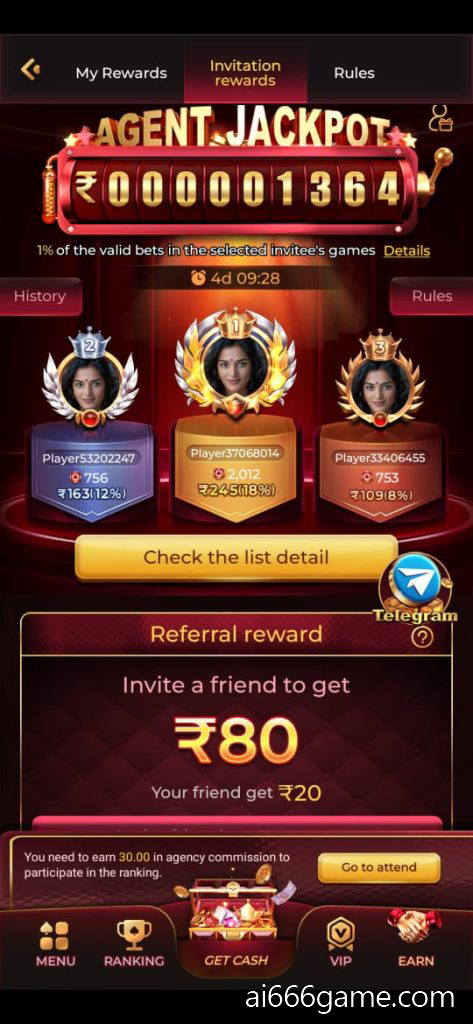
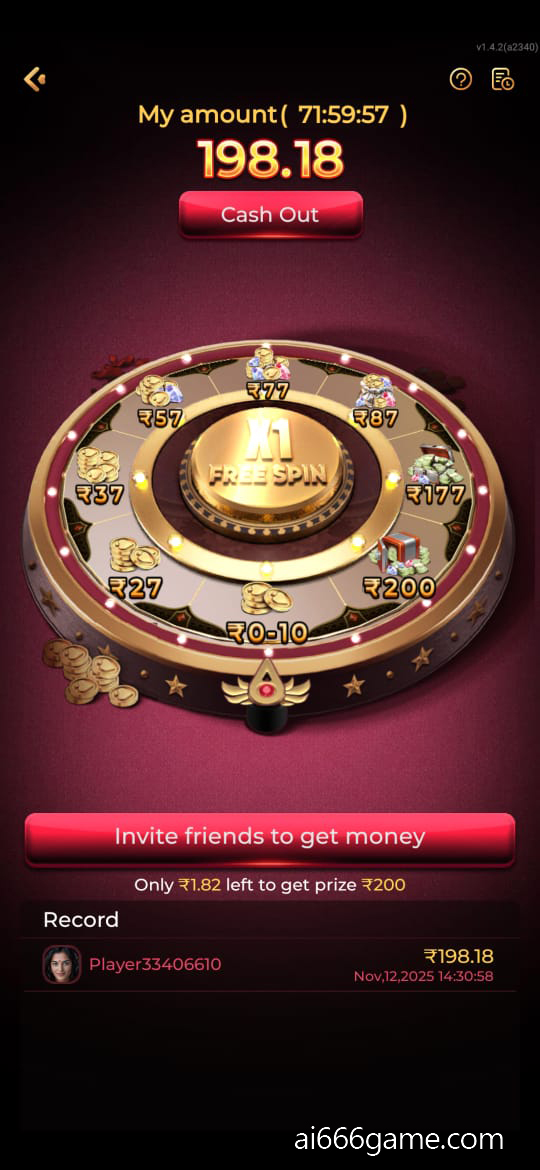
Offers may cover qualifying logins, referrals, missions and spins. Check eligibility and expiry dates alongside the quoted amount. Claims of more frequent rewards than competing apps are unsupported by comparison data.
Navigating the Menus
The interface is described as uncluttered, with responsive menus. Find the game list, progress display and wallet first; knowing those locations helps while you learn the controls.
What the Security Description Covers
Login safeguards, encryption and protected payments appear in the description, without an independent audit. A provider’s claims alone cannot establish file, account or transaction security.
Support Topics and Availability
The service advertises assistance at any hour for these topics:
Trouble signing in or accessing an account
Questions about payments or withdrawal status
Help understanding game instructions
No response times are documented. Check the service’s current contact channel when seeking help.
3. Reading the Older AI666 Specification Table
| Feature | Description |
|---|---|
| App Name | AI666 APK |
| Version: | 2025 listing (not verified current) |
| Size: | Approx. 55–65 MB |
| Compatibility | Android 5.0+ |
| Downloads | 1M+ (unverified) |
| Type | Mobile games and account tools |
| Update Frequency | Monthly (advertised) |
| Price | Free |
4. Account Tools and Android Requirements
The listed tools for AI666 on Android cover registration, menus, offers and wallet use. The adjacent table refers to a 2025 package listing; its figures should not be treated as verified current specifications.
Registering with a Phone Number
The described registration method uses a mobile number and an OTP. Follow the intended account prompts and keep the code private, including from anyone claiming to offer login help.
Finding the Useful Account Screens
Locate the menus that show your account details, activity record and balance. Familiarity with those screens helps you check what was recorded after a task or game.
Where Conditional Bonuses May Appear
The offer list names several possible credit types:
Qualifying daily sign-in credits
Bonuses for eligible new-user invitations
Credits attached to selected events
Spins offered under a promotion
Read the requirements and closing date before expecting an activity to qualify.
Checking Wallet Methods and Details
Deposits and withdrawal requests appear in the account description. Users in India should confirm which methods are currently offered, check the receiving details and read any limits. Speed and security cannot be established from promotional wording.
Checking the Download Against Free Storage
The table estimates 55–65 MB, while other pages quote different package sizes. Check the actual file and available storage on your phone; a small download alone does not establish smooth performance.
Checking Your Particular Android Model
Samsung, Vivo, Oppo, Realme and Xiaomi are among the brands mentioned. Compatibility depends on the package requirements and your handset’s Android version, not simply its manufacturer. The table’s Android 5.0+ figure also differs from the homepage’s minimum.
5. Working Through a Manual APK Setup
Before beginning, identify the file source and compare its requirements with your Android device. The installation outline is:
First: Review the Source Permission
Find the relevant setting under Settings → Security or the installation-source permissions for your Android version.
Next: Save the Selected Package
Obtain the AI666 APK from a provider whose connection to the publisher you have checked.
Then: Find the Finished Download
Look in the phone’s Downloads directory for the completed installation file.
After That: Read the Installer Prompt
Open the APK, review the prompt and choose Install before waiting for the setup process to finish.
Finally: Reach the Account Screen
Start AI666 and work through its registration or sign-in prompts.
6. A First-Use Route Through the App
After setup, take one screen at a time while learning the available tools:
Complete account access using the app’s prompts
Browse the game categories and their rules
Choose an activity you understand
Check whether any credited offer has conditions
Compare recorded activity with the wallet balance
Review available payment methods before any transaction
7. Questions About Versions and Installation
What does the AI666 APK install?
The package is described as a gaming app with several activity formats, promotional offers and account tools, including a wallet area.
Has the file been independently checked here?
No. This article does not verify a particular APK’s security, even when its provider appears trustworthy.
What is the usual Android setup sequence?
Check the provider, review source permissions, save the file, run the installer and open the app.
What might stop AI666 from opening?
Check the internet connection, installed version and whether the package downloaded completely. An incompatible or damaged file can also cause problems.
Are the advertised changes tied to a release?
The description mentions performance fixes, security changes and new activities but supplies no dated release notes confirming what changed in a current build.
Using the Listing Sensibly
Treat the AI666 version information as a starting point for checking the actual package. Read the game rules, compare the device requirements and distinguish advertised improvements from changes documented for a named release. Package details and offer conditions can change between versions.
Confirm the provider, follow Android’s prompts and check restrictions before using the wallet. Choose activities you understand; feature lists and bonus offers do not establish reliable earnings.
Independent Information for Adult Readers
These pages are unaffiliated with the official AI666 app and website.
Their purpose is general explanation and reference.
Activities involving money carry a risk of loss.
Readers should be at least 18 years of age and meet any additional requirements that apply where they live.
Keep gaming within personal time and spending limits; avoid excessive use.
Table of Contents